CMS Web Design and Development Agency
Our CMS web design and development services give you control over the content that actually needs to change. We identify which sections should be CMS-managed, structure them properly, and build an editor your team can use without relying on a developer for every update.
Everything else stays in the code, keeping the website fast and harder to accidentally break. Deciding what should be editable and what should not is one of the first architecture decisions we make when planning your CMS.
Two ways a website makes its own content a problem
They look completely different to each other, but they actually come from the same mistake.
The first is a website where nothing can be changed without a developer. Updating a price, opening hour, team member or new project means sending a request to change it, then waiting for the change, and often enough paying for something your team should have been able to update themselves. Over time the website stops reflecting the business you are actually running.
The second is a website where everything is editable. Every heading, button and paragraph is connected to a CMS, leaving your team with dozens of fields, unclear labels and too much freedom to accidentally break the layout. It sounds generous until you paste a paragraph in from a document, break the page, and learn your lesson. After that, nobody touches it. The only real difference from the first website is that you are now paying a monthly fee for the privilege of not touching it.
Both happen because the content system was chosen before anybody worked out what content actually needs managing. That decision comes first. Then the system is built around it.
What our CMS web design and development services cover
A CMS build is not just an installation. It is a series of decisions about your content, made in the right order.
What gets a CMS, and what does not
We go through your content type by type and divide it into two groups: the things your team will genuinely need to edit, and the things that are written once and rarely change.
A blog, project list, car catalog, room directory or price list will usually need regular updates. Your positioning, service descriptions and about page often will not.
Content that stays relatively static is usually better kept in the code, where it remains fast and harder to accidentally break. Content your team updates regularly belongs in the CMS. The result is a short, clear editing experience instead of an interface for managing the entire website.
The content model
Before we configure the CMS, we define what your team needs to be able to create and which fields each content type should contain. A case study, for example, might include a title, client, industry, hero image, challenge, solution, results, gallery, testimonial and SEO title.
This structure is what makes the CMS work. Get it right and adding the 40th entry should feel as straightforward as adding the first. But if it's poorly configured then every new piece of content starts requiring workarounds.
Setting the CMS up
We create the project, configure the environments and set permissions so the right people can edit the content without gaining access to things they don’t need.
The CMS account and access are set up for your business, not locked behind ours.
Wiring it into the website
The website is built in Next.js and the CMS supplies the content that needs to remain editable. We configure the content queries, data fetching and integration so those pages render from the CMS rather than from text hardcoded into the website.
Listing and detail templates
Structured content usually needs two things: a page that lists all entries and a reusable template for each individual entry. Once those are built the website can support ten entries or two hundred without needing a new page design every time you add one.
Testing that you can actually use it
Before handover we use the CMS the way you will. We create entries, edit them, delete them, upload an image at the wrong size, leave a field empty on purpose and check what the page does about it, then confirm how publishing and preview behave.
This is what tells us whether the CMS is genuinely usable in day-to-day work, rather than simply technically connected.
After, we hand over the access and a short set of practical instructions on how to use it.
How we build your CMS website
The CMS does not sit on top of the website after it is finished. We decide where it belongs while the website itself is being planned.
- 01
We start with the business, not the CMS
Before we decide what should be editable, we work out what the website needs to communicate, how the offers fit together, what visitors need to find and which pages the website actually needs.
That gives us the structure of the website first. The CMS comes after.
- 02
Then we architect what your team should manage
Once the sitemap and content structure are clear, we separate content that can stay in the website from content your team will need to update regularly.
That might mean your service pages stay in the code while your projects, properties, cars, articles or case studies become CMS-managed.
If a CMS is not needed for a particular type of content, we do not add one just because we can.
- 03
We model the content before we build the editor
For every CMS-managed section, we define what an entry actually consists of.
A project might need a title, location, category, description, gallery, results and SEO fields. A property listing might need a completely different structure.
You approve and we refine the structure before it becomes solidified in the CMS.
- 04
The website and CMS are built together
The website is then designed and developed around that content structure.
Reusable listing and detail templates are connected to the CMS so new entries follow the same design automatically. Adding another project or listing will mean just adding content, not redesigning every page.
- 05
We test the CMS like somebody with no experience of web development
We create entries, edit them, remove them, upload the wrong image size, leave fields empty, preview changes and publish them. We check not only whether the CMS technically works, but whether it is difficult to misuse.
- 06
Then it becomes yours
At launch, you receive access to the CMS along with the website, source files and the project-critical accounts used to run it.
Nothing important stays locked behind a Senno account. You also receive short practical instructions for the parts you will actually use.
Selected work
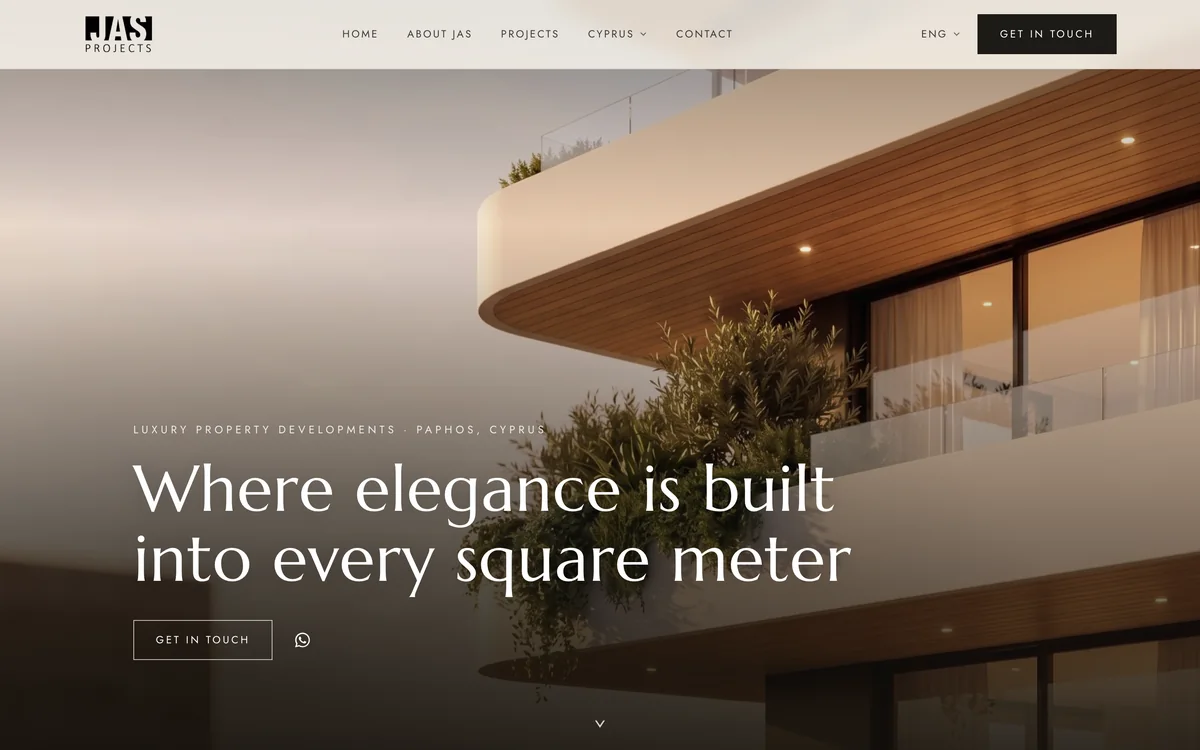
Two projects with similar structured content, but completely different answers to how it should be managed.

Why work with us
You own everything, not just the website
The CMS project is in your name. So are the source code, the website files and the domains. If you decide to move to another platform or work with another agency in two years, you do not need our permission to access or export your own website and content.
No lock-in
If you ever want to move the website to another hosting provider, we will help move it off our hosting at no extra cost. We would rather keep clients because the work is good than because leaving is difficult.
Predictable investment, not hourly billing
We do not bill by the hour while the project is being built. Before we start, you receive a defined scope and a fixed price for the work agreed.
That means you know the investment before the project begins, and our incentive is to deliver the agreed result efficiently, not to make the project take longer.
Which CMS, and how we pick it
There is no best CMS. But there is the one that fits your business the best.
Sanity
Our default choice for structured content that needs a purpose-built editing experience.
The content model is defined around the website rather than forcing the website into a generic page editor. It works particularly well for things like case studies, projects, resources, properties and other repeatable content.
Payload
A strong option when ownership and infrastructure control matter most.
Instead of keeping your content inside a separate SaaS platform, Payload can sit much closer to the application and your own database. It gives technical teams more control over where the data lives and how the CMS is operated.
Git-based CMS
For lighter editing requirements, sometimes a full CMS is unnecessary.
Tools such as Keystatic or Decap can give your team a simple interface for changing content while the content itself remains inside the website repository. This can work well when the requirement is closer to “let us update a few pages and publish articles” than running a large content operation.
WordPress
Sometimes WordPress is still the right answer.
If your team already uses it, you have an established publishing workflow, or you depend on its plugin ecosystem, replacing it simply because we prefer another tool would make little sense.
WordPress was not what made Grand Car Sale's previous website difficult to maintain. Giving hundreds of individual cars their own editable pages was.
The content model matters more than the logo on the CMS.
What actually decides it
For every project, we look at four things:
Editing experience
Can the people who will actually use it understand the interface without needing a developer every time they make a change?
Content structure
Does the CMS represent your content naturally, or are we fighting the platform to make the model work?
Ownership and portability
Where does the content live, who controls the account permissions and how difficult would it be to move somewhere else?
Ongoing cost
A platform that looks inexpensive at launch can become expensive once you add more editors, content, bandwidth or functionality. We look at the likely operating cost, not just the entry price.
The result is not always the CMS with the longest feature list. It is the simplest system that gives your team the control it actually needs.
Questions we get asked
CMS web design and development means designing and building the website, then connecting the parts you need to manage to a content management system. The website is still designed and developed as normal. The CMS is the layer that lets you create, edit and publish specific content yourself instead of asking a developer every time something changes.
Often only for part of the website. If you publish regularly, or you hold a list of things that changes, projects, properties, cars, rooms, posts, then yes, for that content. If your website is eight pages that say what you do and they change twice a year, a CMS mostly adds a monthly fee and a login without giving you much value. We work that out before deciding what should be CMS-managed.
Whichever fits the content model, the people editing it, and what it costs at your number of entries. We choose the CMS after modelling the content, not before. That lets us select the system around what your team actually needs to manage instead of forcing the content into whichever platform was chosen first.
Sometimes. It depends how the existing website is built, where its content currently lives, and whether its pages can be made to render from a data source without rebuilding them. We review the existing setup first and tell you whether integrating a CMS makes more sense than rebuilding it. That is not always the answer you want, but it is a much cheaper conversation to have early.
That is what the content model is for. You get specific fields for specific content rather than a free-form editor loose over the whole page, so there is very little to break by accident. Before handover, we test the same actions your team will use: creating and deleting entries, changing content, uploading images, leaving fields empty, previewing changes and publishing them.
It depends on how many content types you need, how complicated the model is, and whether we are adding it to a new website or to one that already exists. The platform's own fee is separate and is paid by you to them, not to us. Before work begins, you receive a defined scope and fixed project price in writing. Once that scope is agreed, the investment does not change unless the scope does.
Most of our business website projects take up to a month from the start of the project to launch. The CMS is planned and built as part of that process rather than being added afterwards. Projects with more content types, more complex integrations or larger migrations can take longer. The expected timeline is agreed as part of the project scope before work begins.
Not by itself, in either direction. What matters is how the content reaches the page: whether search engines can access it, whether important entries have their own URLs, and whether titles, descriptions and other SEO fields can be managed properly. We build those requirements into the content model so SEO is part of the publishing workflow rather than something added separately later.
You do. The project is created in your ownership or transferred to you at handover, along with the source code, the website files and the domains. If you move to another system or another agency later, nothing has to be released to you first.
More on what we build
Deeper on the parts of a website build that people search for by name.
Build the CMS around what your business actually needs
Send us your current website, or tell us what you are planning to build. We will look at the content your team needs to manage, what should stay in the code, and how the CMS should fit into the website as a whole. The first look is on us.
From there, we define the scope, recommend the right setup, and give you a fixed price before the project begins.